Voice Design
Get a brand-new voice
from a short text prompt
Imagine who is speaking and hear them in seconds.
4.06 / 5
Accent adherence
Best of four voice design systems tested.
83.4%
Prompt adherence
On the InstructTTSEval English benchmark, outperforming all previously reported systems.
100+
Accents
From Colombian Spanish to Québécois French or Swiss German, we cover all the regions.
Any speaker you can describe, in every detail, faster than everywhere else.
A voice from anywhere, of any age
Worldwide regional accents and perceived age are both fully controllable.
Before you ship,
the practical part
Voice Design is free and comes with every plan. Open the studio and design your first voice today.
See pricingDescribe the speaker: age, gender, accent, texture, mood. Every prompt goes through moderation, and use is governed by our Terms of Service, in particular Section 3.4, Usage Restrictions.
Read the Terms of ServiceYou retain rights to your inputs and to the audio you generate, and warrant that you hold the necessary rights to any content you provide and generate. Gradium retains all rights in and to its models. Any voice that resembles an identifiable person is subject to our Terms in their entirety, and in particular to Section 3.4.
Read who owns what
Free Tier
Run up to 1,000 requests
per month
Free /month
45k credits
1hr TTS
5 custom voices
Start for free
Describe the voice you want
A British narrator in his fifties, warm and unhurried, with a dry wit… or Get inspired

Abigail
Adult · Female · General American
A warm and airy American adult voice that adds a touch of empathy to any story.
KRo-uwfno-KcEgBM
Adam
Adult · Male · General American
A joyful and smooth American adult voice that greets the morning with radio-ready energy.
EbIA5CIcQoa6NNd2
Alex
Adult · Male · General American
A joyful high-pitched American adult voice that grabs attention in advertisements.
91EdXxJDbWICDBgz
Alexander
Adult · Male · General American
A warm low-pitched American adult voice that motivates with the resonance of a fitness coach.
8sWSyTC7byLsbHkr
Alexandra
Adult · Female · General American
A joyful and smooth American adult voice ideal for reading and hosting duties.
4nAcNUlNhEA_Kyjo
Alexis
Adult · Female · General American
A joyful American adult voice that delivers customer service scripts with a bright tone.
74asmf7CXzjfopIX
One prompt,
From a sentence to a voice
Paste this into your coding agent. It describes the voice, listens to the candidates, keeps the one you want, then uses its voice ID with the same TTS endpoint you already call.
Add Gradium voice design to this project.

Read https://docs.gradium.ai/guides/voices/voice-design first and
follow it over anything you assume. Use the official Gradium SDK for this
codebase's language. Read the API key from an environment variable, never
hardcode it.

Then implement the flow, in this order:

1. Take a description of a speaker (age, gender, accent, texture, mood) and
   a language code. Ask for three candidates and wait until they are ready.
2. Render each candidate reading one short line, so I can listen and pick.
   Save the previews as WAV files named after the candidate.
3. Keep the candidate I choose and give the voice a name. Store the returned
   voice ID where the rest of the app can read it.
4. Synthesise text with that voice ID through the standard TTS endpoint,
   exactly as you would with any voice from the catalog.

Keep it small: one module, typed, with clear errors when a candidate is not
ready yet or the key is missing. Do not add a UI unless I ask for one.Start from a working example
Three builds that take a designed voice into a product. Each one runs today, and the code is public.
- [ 1 ]
 0:09 / 0:24
Turn a portrait into a talking avatar
Design the voice to match the face, render the line with Gradium TTS, and Pruna's video-avatar model animates the still. A finished clip, not a live call.
- Tap to talk
A voice, taking shape
Ready for a description.
Design a voice by talking to one
A speech-first Gradbot agent asks what the voice should sound like, designs a candidate and switches the live call to it. The next question is the audition.
- [ 11 ]
 LIVE
LIVEA live avatar agent you can call
Gradium for the voice, the ears and the speech, LiveKit for the realtime session, LemonSlice for the animated face. An image, a voice description and a role is all it takes.



Not every project needs a new voice
The catalog covers five languages and thirteen regional variants, and every voice in it cleared listener preference testing rather than internal taste.
Questions?
We're here to help
No. Each run gives you a few candidates to listen to, and they may differ each time. But once you like one and decide to keep it, that voice is fixed and will return the same speaker every time. So if you need the same voice again later, keep it rather than running the prompt again.
Cloning reproduces a speaker who exists, from about 10 seconds of their audio, and needs their consent. Design invents a speaker from a description, so there is no recording to provide and no speaker to clear. The same Terms of Service apply to both.
English, French, German, Spanish and Portuguese, with regional accents in each. Accents are where the model is most precise, so it pays to be specific: try asking for Colombian rather than Latin American.
You retain the intellectual property rights over your input and the output you generate, and Gradium retains all rights in its models.
Usage remains governed by our Terms of Service, in particular Section 3.4 (Usage Restrictions), which prohibits generating content that infringes a third party's publicity or personality rights, or that is used to impersonate someone without their explicit authorization.
Read the Terms of ServiceYes. The licence Gradium grants allows commercial use of the audio you generate on all paid plans. The free plan and beta services are for internal, non-commercial use only (Terms of Service, Section 6.2).
For more information, the pricing page lists commercial use per plan.
See the pricing pageStartbuilding
No credit card required

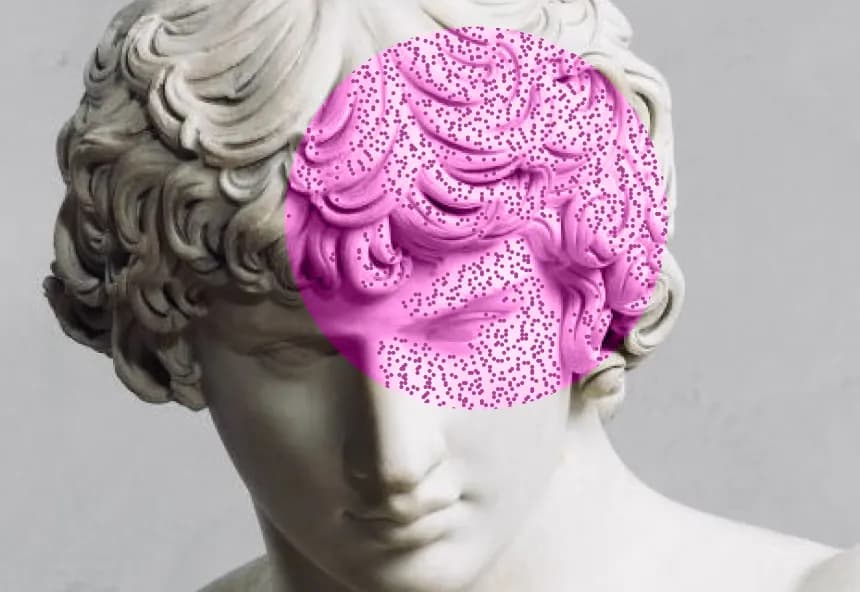
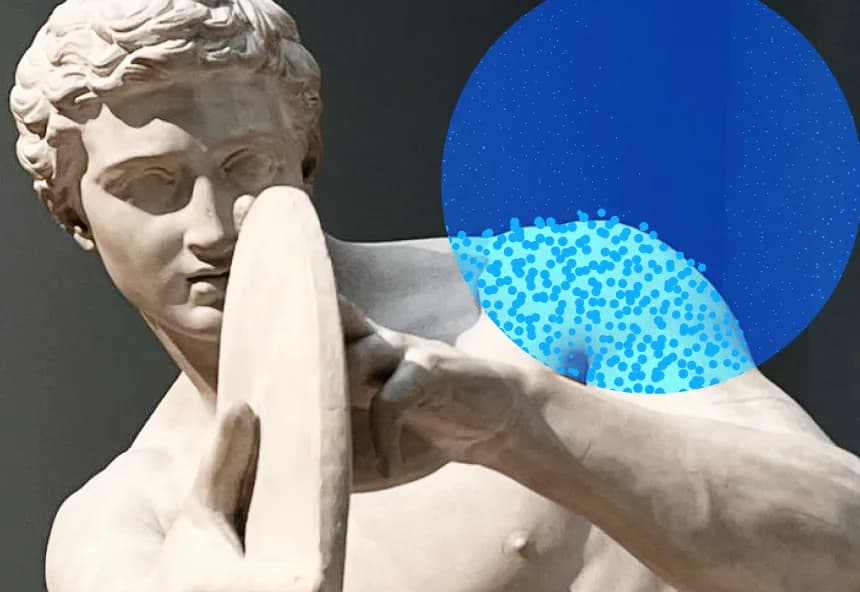
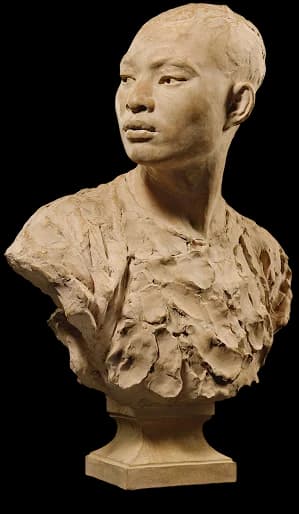
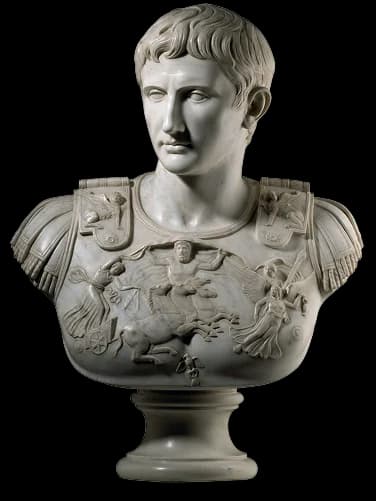
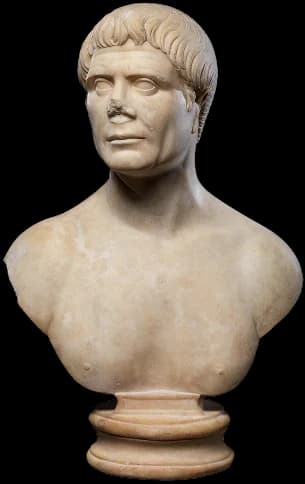
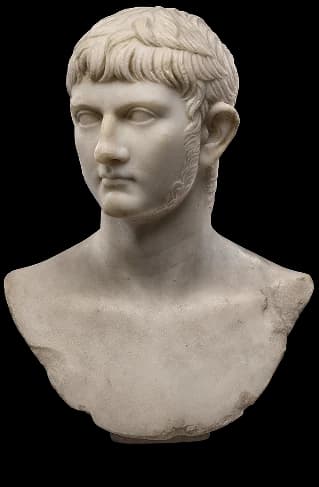
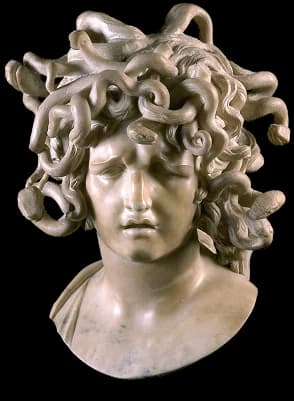
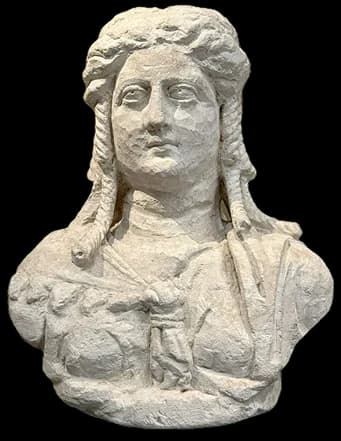
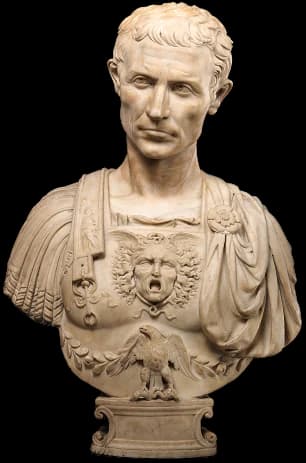
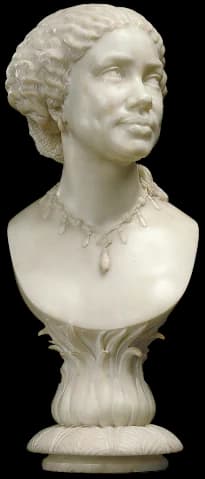
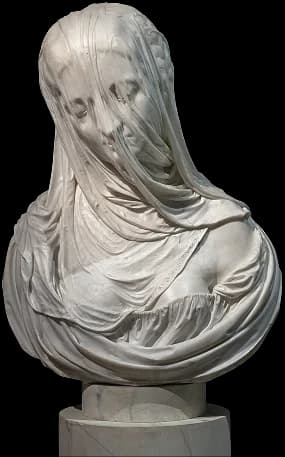
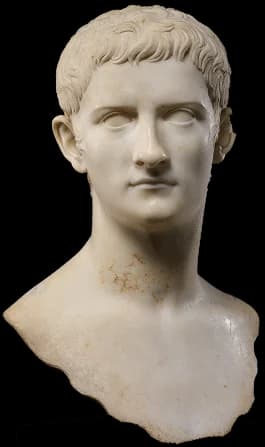
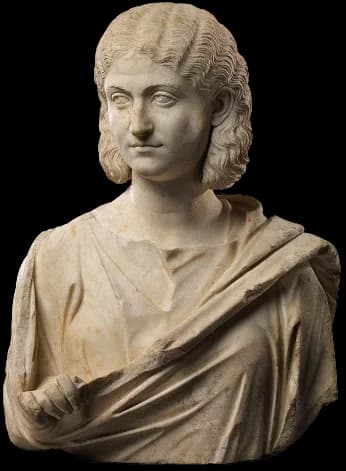
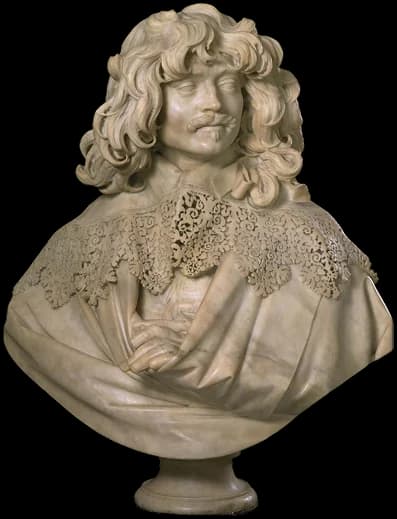
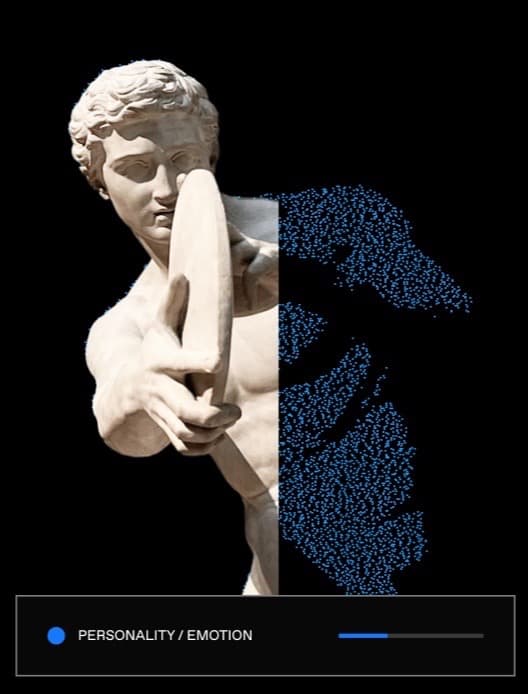
[1–15] Hero artwork. [16–18] Voice catalog artwork.
[ 1 ] Marble bust of a woman, Roman, Late Imperial. Date: mid-3rd century CE. Material: marble. Dimensions: h. 65.1 cm. Current location: The Met Fifth Avenue, Gallery 169, New York. Inventory number: 18.145.39. Credit: Rogers Fund, 1918.
[ 2 ] Marble portrait bust of the emperor Gaius, known as Caligula. Date: 37-41 CE, Roman, Early Imperial, Julio-Claudian. Material: marble. Dimensions: h. 50.8 cm, l. 18 cm. Current location: The Met Fifth Avenue, Gallery 162, New York. Inventory number: 14.37. Credit: Rogers Fund, 1914.
[ 3 ] Marble portrait bust of a man. Date: ca. 110-120 CE, Roman, Trajanic. Material: marble. Dimensions: h. 62.5 cm. Current location: The Met Fifth Avenue, Gallery 162, New York. Inventory number: 10.231.2. Credit: Rogers Fund, 1910.
[ 4 ] Bust of Germanicus. Artist: unknown. Date: A.D. 20-40. Material: marble. Dimensions: h. 51.4 cm, w. 38 cm, d. 22.9 cm. Current location: Getty Villa Museum, Los Angeles. Inventory number: 2021.66.
[ 5 ] Bust of an African Woman, by Henry Weekes. Date: 1859. Material: marble. Dimensions: h. 66 cm, w. 28 cm, d. 22.9 cm. Current location: J. Paul Getty Museum, Los Angeles. Inventory number: 95.SA.82.
[ 6 ] Bust of the goddess Isis, depicted as a Roman matron. Artist: unknown. Date: Roman Egypt. Material: limestone. Current location: Ashmolean Museum, Oxford.
[ 7 ] Bust of Elagabalus, Roman Imperial Period. Date: A.D. 218-222. Material: marble from Göktepe, Turkey, near Aphrodisias. Dimensions: h. 71 cm, w. 30.5 cm, d. 53.3 cm. Current location: Museum of Fine Arts, Boston, Roman Portraiture Gallery, Gallery 206. Inventory number: 1977.337. Credit: Mary S. and Edward J. Holmes Fund.
[ 8 ] Veiled Bust ("The Veiled Nun"), by Italian 19th Century, possibly after a model by Giuseppe Croff. Date: c. 1863. Material: marble. Dimensions: h. 52.71 cm, w. 27.94 cm, d. 24.13 cm. Current location: National Gallery of Art, Washington, D.C. Inventory number: 2014.136.265. Credit: Corcoran Collection, Gift of William Wilson Corcoran.
[ 9 ] Bust of the Prima Porta Augustus, by an Italian sculptor, 19th century, after the antique. Material: white marble, on a white marble socle. Dimensions: h. 81 cm overall. Sale: Sotheby's London, European Art: Paintings & Sculpture, lot 45, 18 June 2020. Private collection.
[ 10 ] Diane de Versailles. Artist: unknown; Roman imperial copy after a Greek original attributed to Leochares, 3rd quarter of the 4th century BC. Date: 125-150 AD, possibly Hadrianic. Material: marble. Dimensions: h. 200 cm, w. 139 cm, d. 103 cm. Current location: Musée du Louvre, Aile Sully, Salle 348, Paris. Inventory number: MR 152; N 1157; Ma 589.
[ 11 ] Thomas Baker (1606-1658), by Gianlorenzo Bernini, with drapery attributed to Andrea Bolgi. Date: ca. 1638. Material: marble. Dimensions: h. 82.5 cm, w. approx. 70 cm, d. approx. 36 cm. Current location: Victoria and Albert Museum, British Galleries, Room 56, London. Inventory number: A.63-1921.
[ 12 ] Bust of Medusa, by Gian Lorenzo Bernini. Date: c. 1644-1648. Material: Carrara marble. Dimensions: h. approx. 50 cm, w. approx. 41 cm, d. approx. 38 cm. Current location: Musei Capitolini, Appartamento dei Conservatori, Sala delle Oche, Rome. Inventory number: MC 1166.
[ 13 ] La velata, by Antonio Corradini. Material: marble. Current location: Ca' Rezzonico, Museo del Settecento Veneziano, Venice. Inventory number: Inv. Cl. XXV, n. 1089.
[ 14 ] Le Chinois, by Jean-Baptiste Carpeaux. Date: 1872, signed and dated on the socle. Material: plaster, patinated. Dimensions: h. 69.5 cm, w. 50 cm, d. 35 cm. Current location: Petit Palais, musée des Beaux-Arts de la Ville de Paris, Salle 14, rotonde Carpeaux. Inventory number: PPS1556. Donation: Louise Clément-Carpeaux, 1938.
[ 15 ] Julius Caesar, by Andrea di Pietro di Marco Ferrucci. Date: ca. 1512-14. Material: marble. Dimensions: h. 68.6 cm. Current location: The Met Fifth Avenue, Gallery 534, New York. Inventory number: 14.40.676. Credit: Bequest of Benjamin Altman, 1913.
[ 16 ] Discobolus (Discus Thrower), by Matthias Kessels. Date: circa 1822. Material: plaster. Dimensions: h. 182 cm, w. 108.5 cm, d. 70.5 cm. Current location: Royal Museums of Fine Arts of Belgium, Brussels. Inventory number: 484.
[ 17 ] Antinoüs, dit Antinoüs d’Écouen, by an unidentified French sculptor, after the antique. Date: 1700-1800. Material: marble. Dimensions: h. 84 cm, w. 70 cm, d. 50 cm; piédouche h. 17 cm, diam. 22 cm. Current location: not on display. Held by Musée du Louvre, Département des Sculptures du Moyen Âge, de la Renaissance et des temps modernes, Paris. Inventory number: MR 413; N 1024; Ma 1082.
[ 18 ] Head of the goddess Aphrodite. Artist: unknown. Date: unknown. Material: marble. Current location: unknown.